Food Campaigns
Food Campaigns visual 01
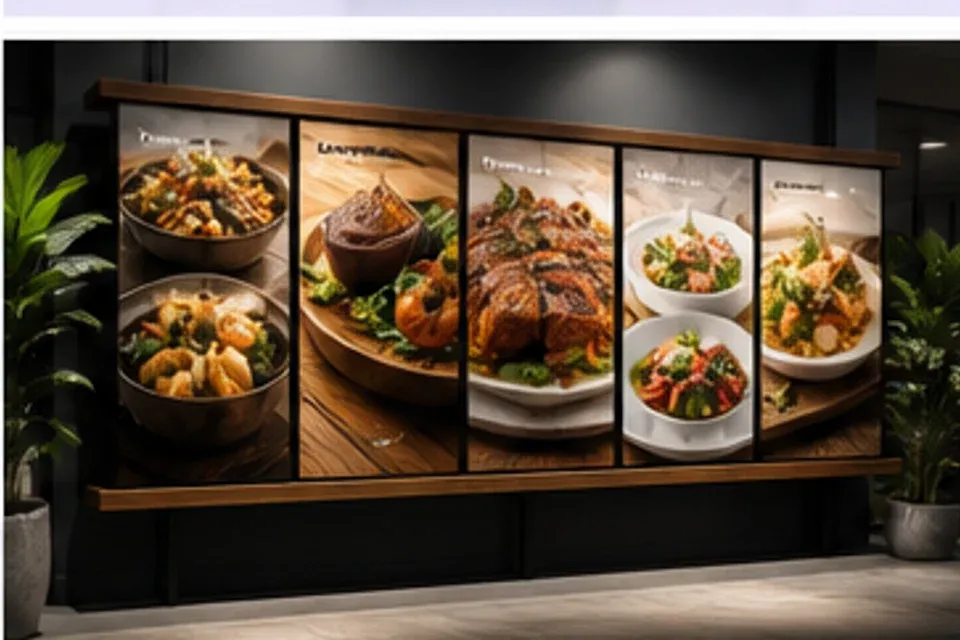
Prepare menu boards, delivery thumbnails, bundle offers, and seasonal promos for the places customers actually order.
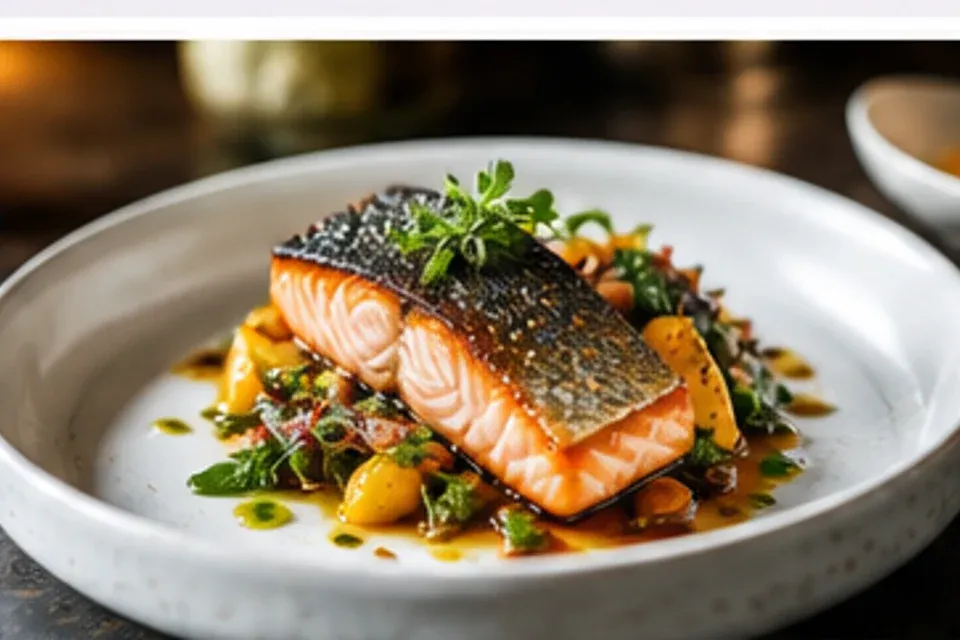
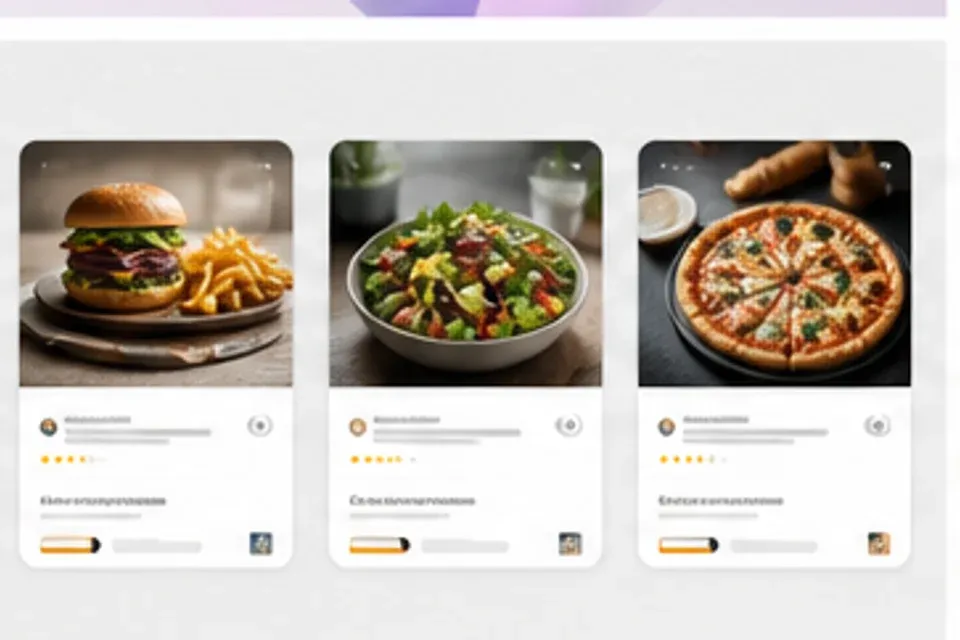
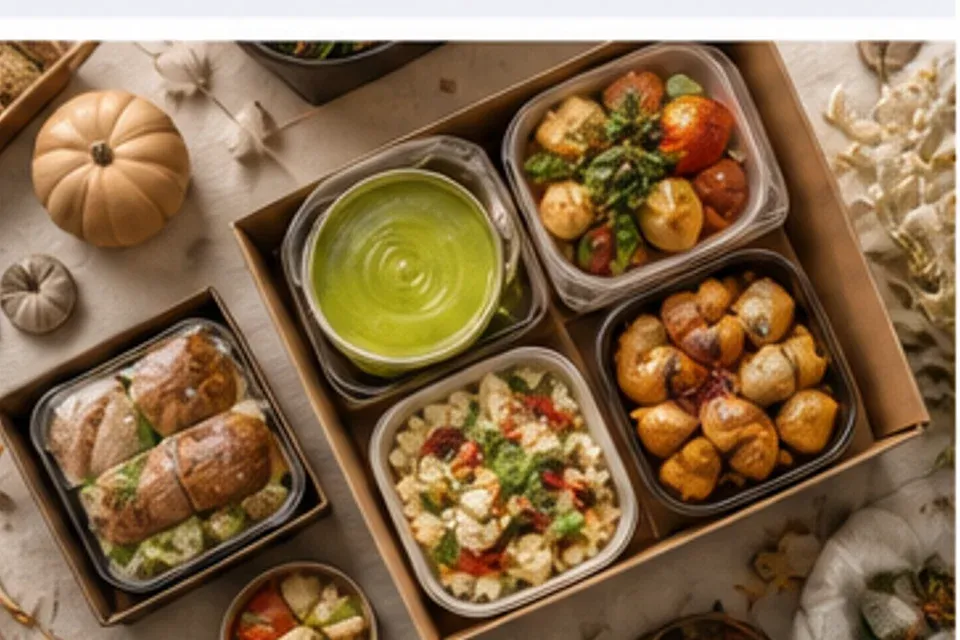
A clear hero dish, readable menu information, an offer that makes sense, and images sized for each ordering channel.
Keep the portion, ingredients, texture, and presentation believable
Show what is included, what can be added, and why the bundle is useful
Prepare clear thumbnails and hero images for pickup and delivery
Create useful graphics for signs, social posts, and neighborhood campaigns
Keep portions, ingredients, bundle details, lighting, and channel needs aligned before publishing.
Build coordinated creative for the menu board, ordering app, local campaign, counter display, and social feed.
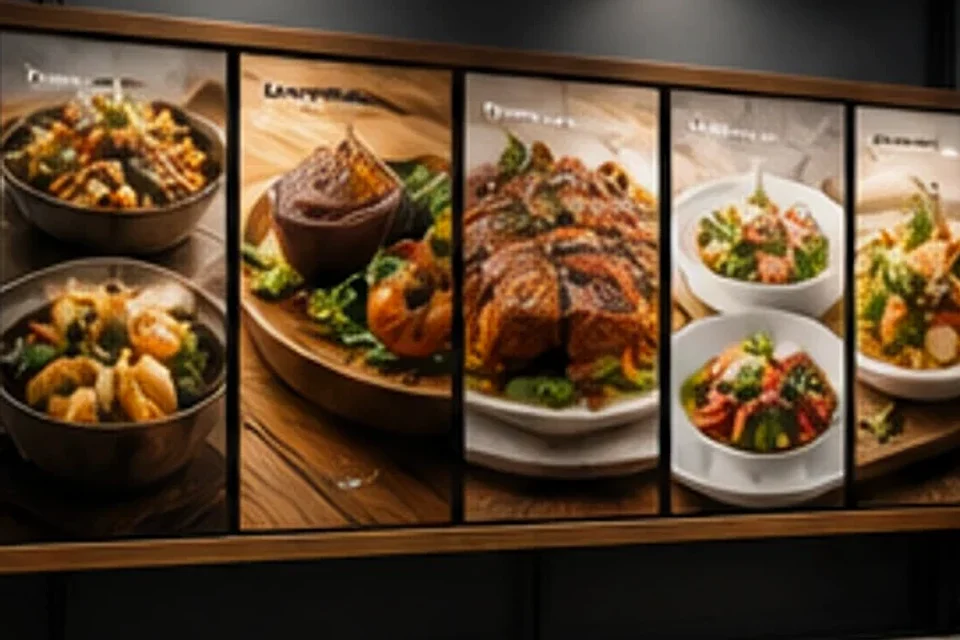
Present realistic portions, ingredients, texture, packaging, and serving context without misleading the order.
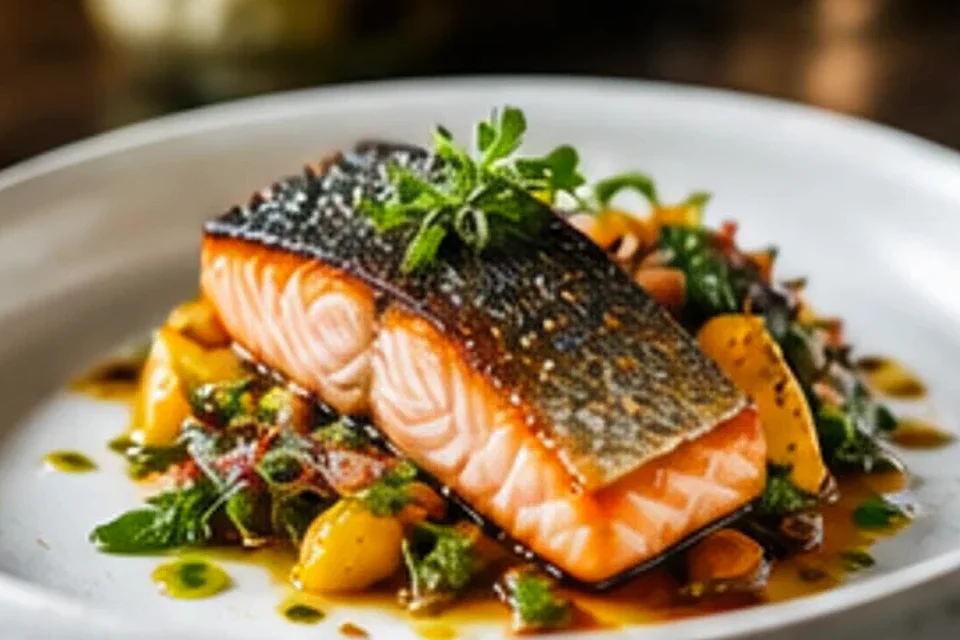
Show lunch sets, seasonal items, add-ons, and bundles with clear product and price hierarchy.
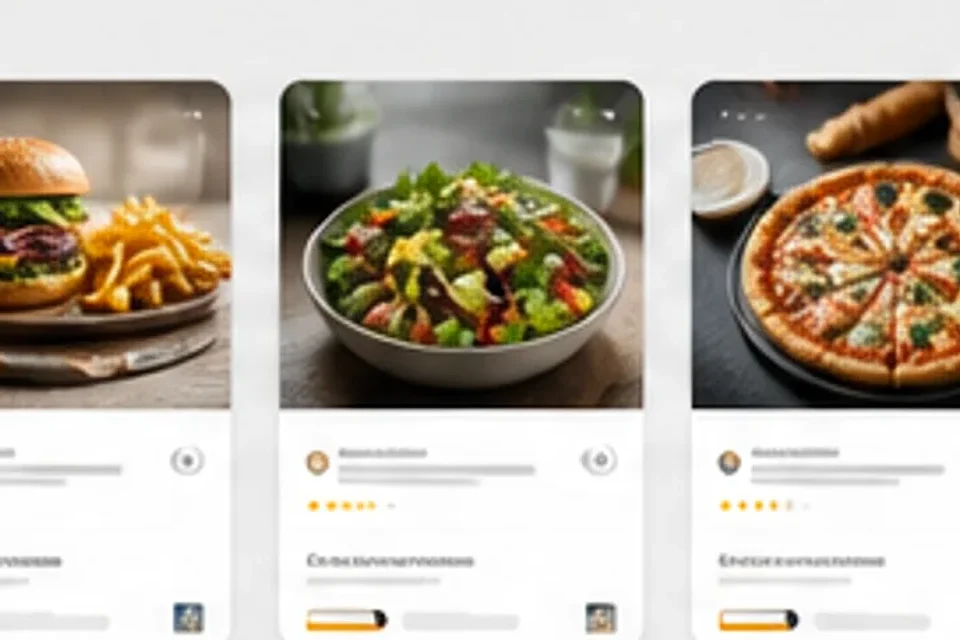
Prepare delivery thumbnails, menu boards, counter displays, local ads, and social posts together.
Launch a seasonal item, update delivery images, clarify a combo, or promote a local offer without rebuilding the whole system.
Refresh item photography, category panels, prices, and promotional tiles for a new menu cycle.
Create clear, consistent thumbnails and hero images that match what customers receive.
Package limited items, holiday menus, event offers, and campaign dates for promotion.
Show what is included and make the value easy to understand without visual clutter.
Choose the dish or offer, confirm the presentation, build the channel set, and check every price and product detail before publishing.
Confirm the product, portion, ingredients, packaging, price, and campaign dates.
Choose the plating, surface, camera angle, serving context, and supporting ingredients.
Create coordinated menu, delivery, social, local ad, and in-store versions.
Verify the product, offer, price, dates, sizes, and text for each destination.
Prepare menu images, delivery thumbnails, bundle graphics, local offers, and seasonal restaurant campaigns.
Preparing curated app examples for this homepage.
Start with the real dish and offer details, then build a coordinated set for every place customers order.